This blog post demonstrates how to use Dapr , .NET Aspire, and mirrord to build a distributed application, deploy it to a locally running Kubernetes cluster, and debug it efficiently. For background on Dapr, .NET Aspire and mirrord, please refer to my earlier posts.
This post extends my earlier blog, Dapr & .NET Aspire. Before proceeding, ensure you have completed all the activities outlined in that blog.
Once finished, you can verify that everything has been deployed correctly using the following command:
kubectl get allNAME READY STATUS RESTARTS AGE
pod/apiservice-8577c6994c-4hg4r 2/2 Running 0 23m
pod/webfrontend-69965f5f44-mqkqt 2/2 Running 0 23m
NAME TYPE CLUSTER-IP EXTERNAL-IP PORT(S) AGE
service/apiservice ClusterIP 10.96.180.149 <none> 8080/TCP,8443/TCP 23m
service/apiservice-dapr ClusterIP None <none> 80/TCP,50001/TCP,50002/TCP,9090/TCP 23m
service/kubernetes ClusterIP 10.96.0.1 <none> 443/TCP 4d22h
service/webfrontend ClusterIP 10.96.129.218 <none> 8080/TCP,8443/TCP 23m
service/webfrontend-dapr ClusterIP None <none> 80/TCP,50001/TCP,50002/TCP,9090/TCP 23m
NAME READY UP-TO-DATE AVAILABLE AGE
deployment.apps/apiservice 1/1 1 1 23m
deployment.apps/webfrontend 1/1 1 1 23m
NAME DESIRED CURRENT READY AGE
replicaset.apps/apiservice-8577c6994c 1 1 1 23m
replicaset.apps/webfrontend-69965f5f44 1 1 1 23mThe READY column displaying 2/2 for both pods confirms that the Dapr sidecar is running successfully alongside the application containers (apiservice and webfrontend).
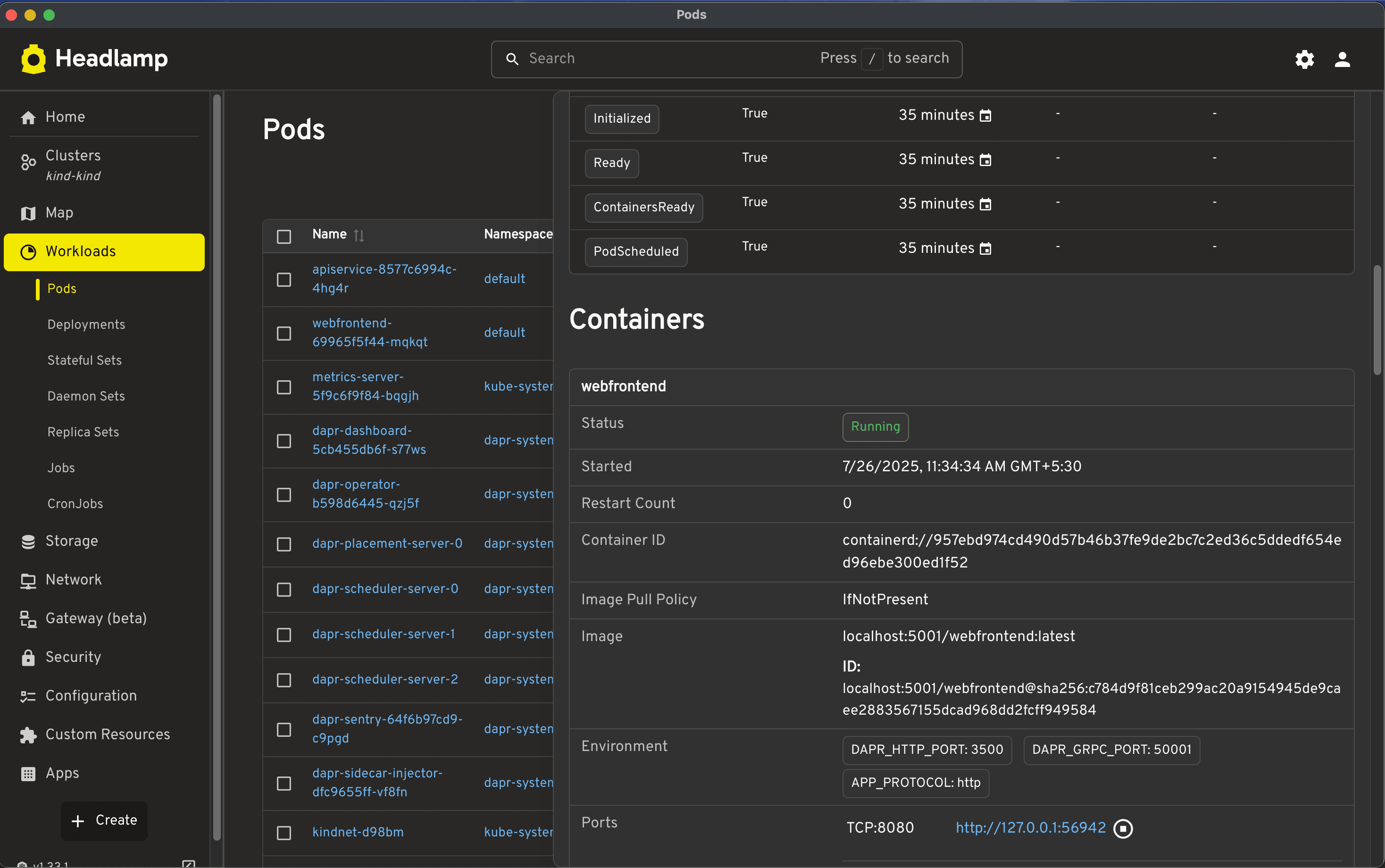
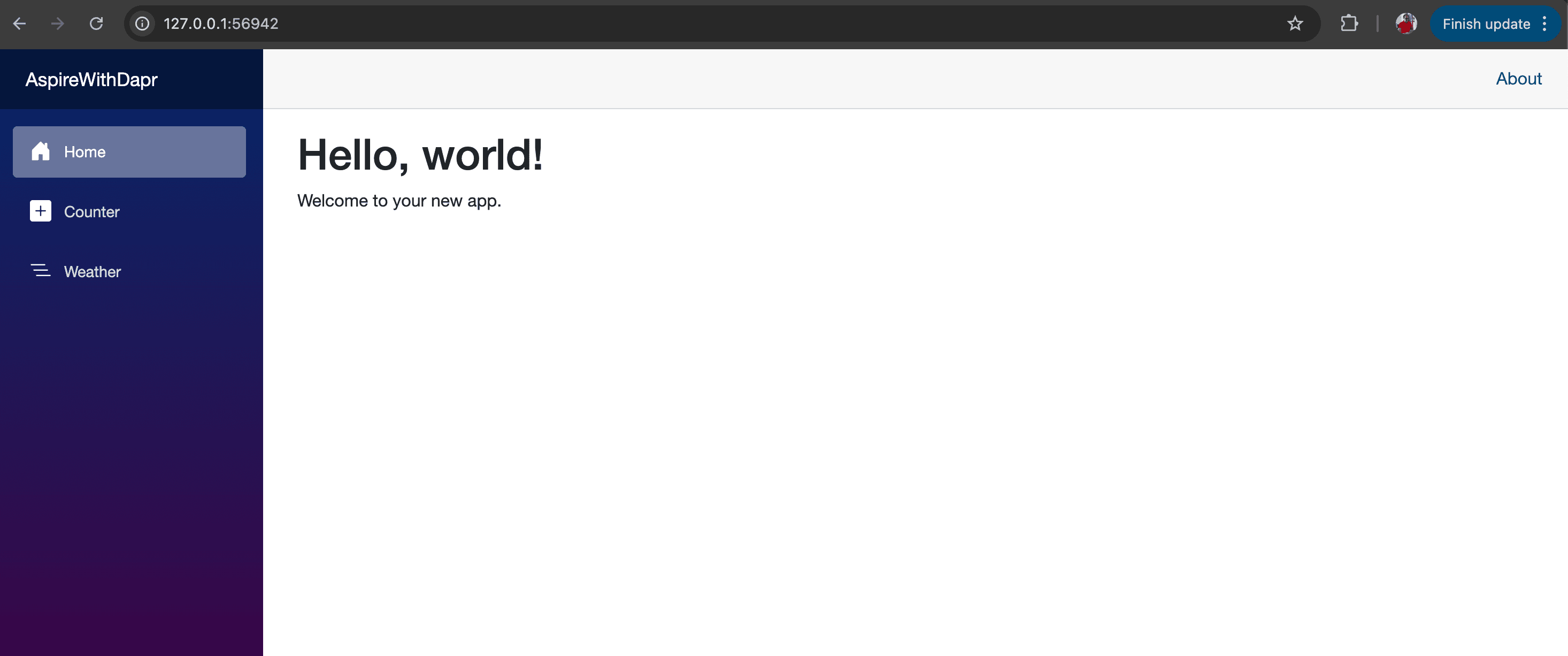
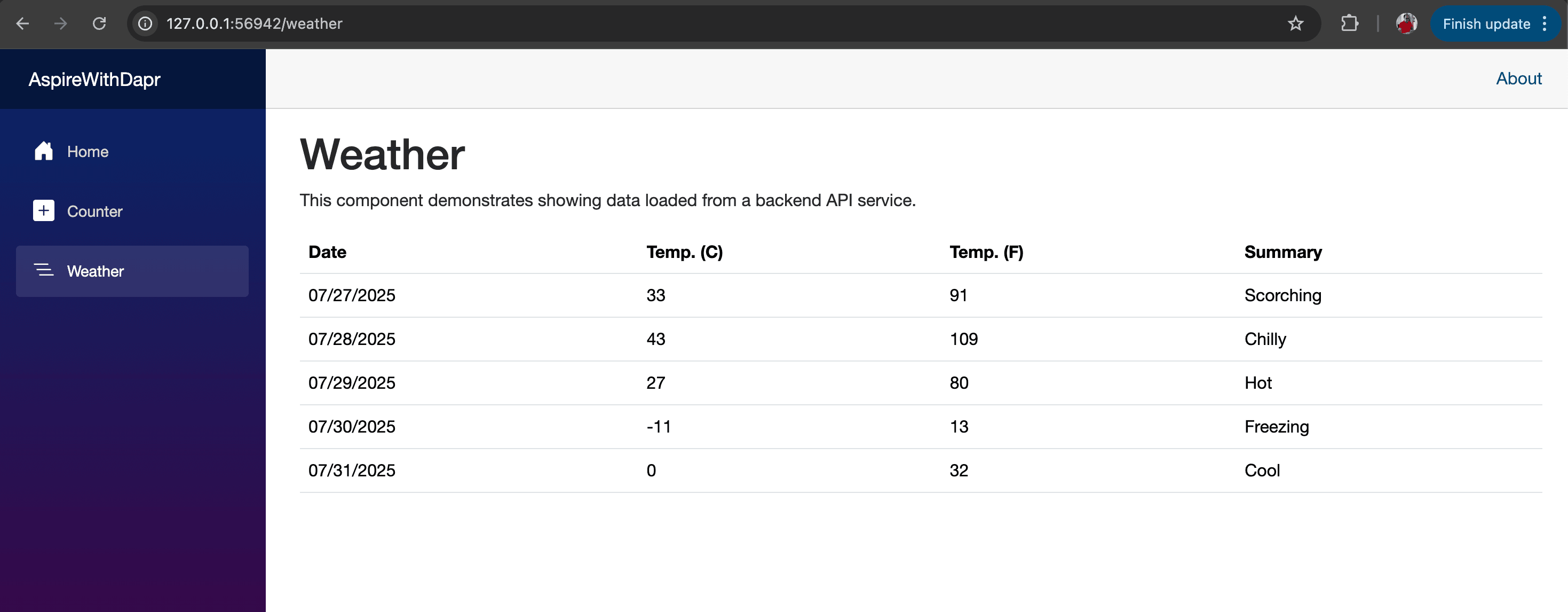
You can also launch Headlamp to verify the deployment and check the status of the pods. To access the application, click the webfrontend pod and enable port-forwarding. Refer to the screenshot below, which shows the application being accessed at http://127.0.0.1:56942/.
Let's install and configure mirrord
To learn more about mirrord, please refer to Remocal.
brew install metalbear-co/mirrord/mirrord# execute below command to check the mirrord installation
mirrord -h
# this is output, you will get
Run a local process in the context of a cloud environment
Usage: mirrord <COMMAND>
Commands:
exec Execute a binary using mirrord, mirror remote traffic to it, provide it access to remote resources (network, files) and environment variables
completions Generates shell completions for the provided shell. Supported shells: bash, elvish, fish, powershell, zsh
operator Operator commands eg. setup
teams Try out mirrord for Teams
diagnose Diagnostic commands
help Print this message or the help of the given subcommand(s)
Options:
-h, --help Print help (see more with '--help')
-V, --version Print version# Check the version of mirrord
mirrord --version
mirrord 3.144.0Installation of mirrord Visual Studio Code Extension?
You can install the extension directly in the IDE (Extensions -> search for ‘mirrord’), or download the mirrord Visual Studio Code extension from the marketplace.
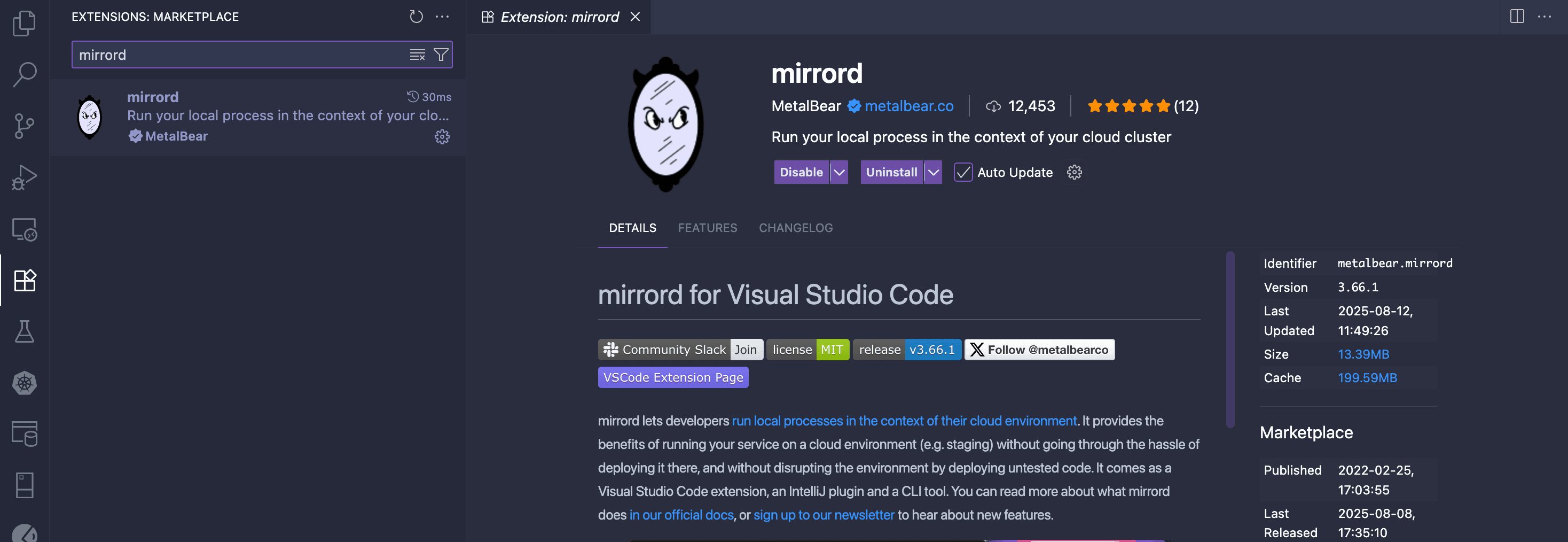
After successful installation of the extension, you can see mirrord is available on Visual Studio Code's status bar. By clicking, you can enable or disable mirrord extension. By hovering, it displays other options.
Lets start debugging with mirrord and see the magic
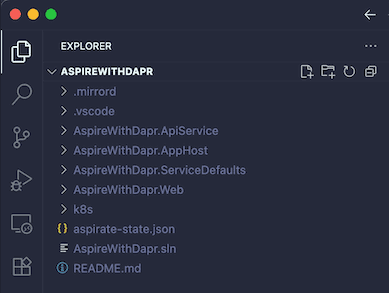
To start debugging, we can open our AspirewithDapr demo in Visual Studio Code and it should look similar to
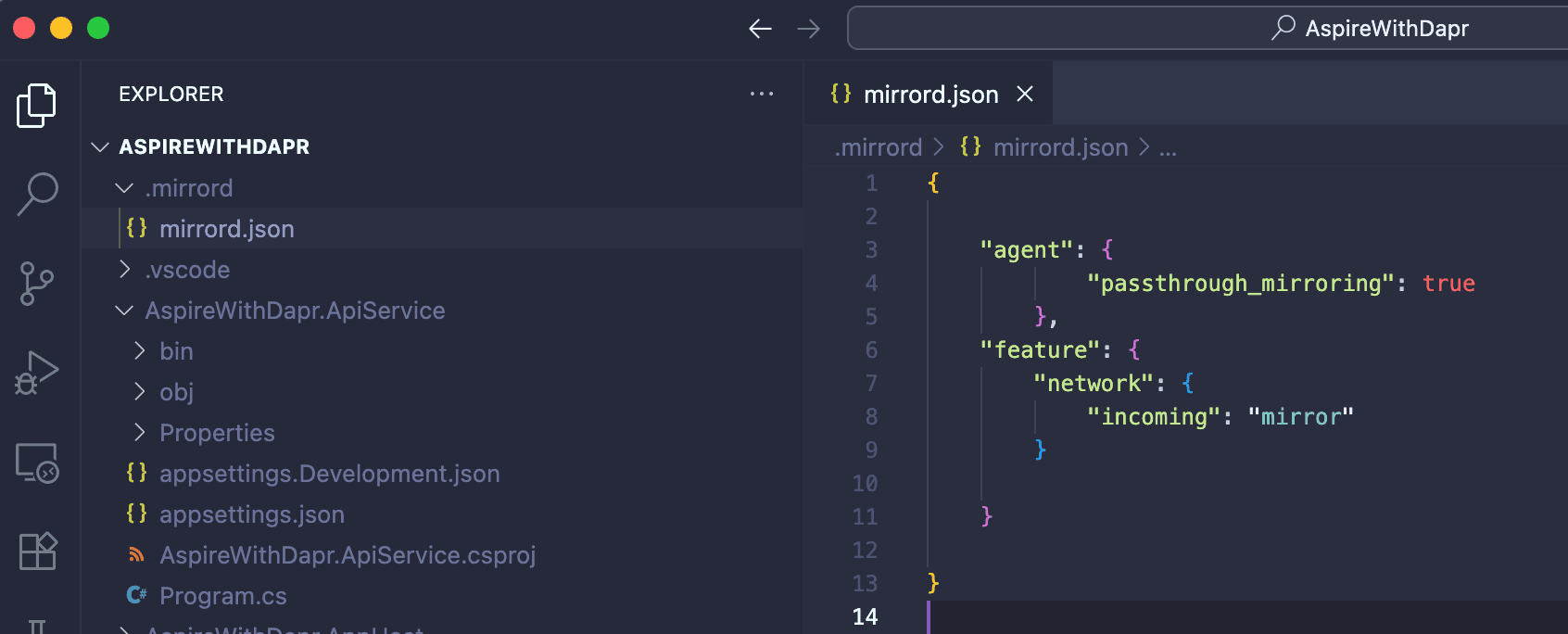
NOTE: Make sure you enable the mirrord option by clicking on the status bar. mirrord automatically creates a mirrord.json file in the .mirrord folder, which is used to configure various settings. Refer. below images to see the configuration.
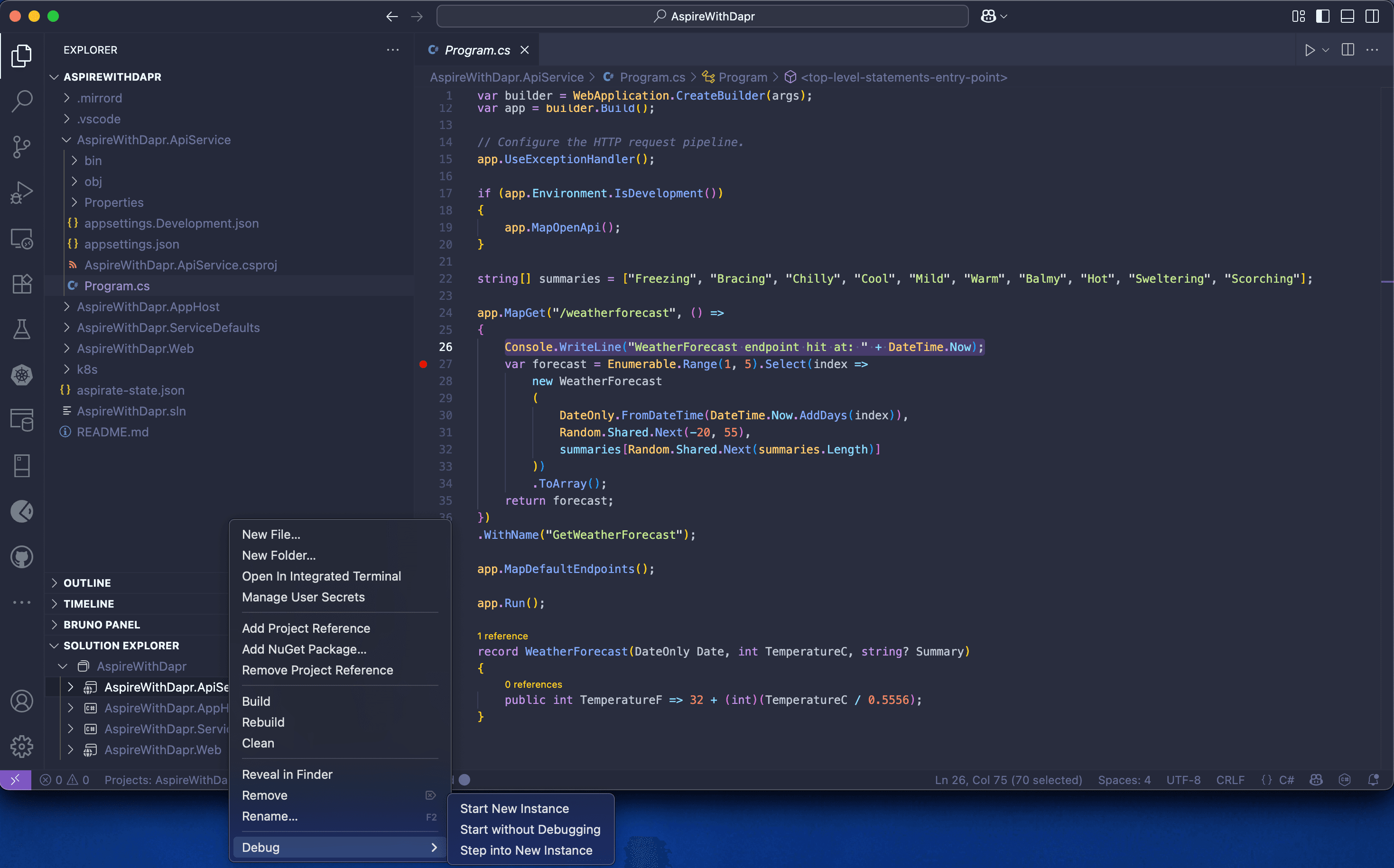
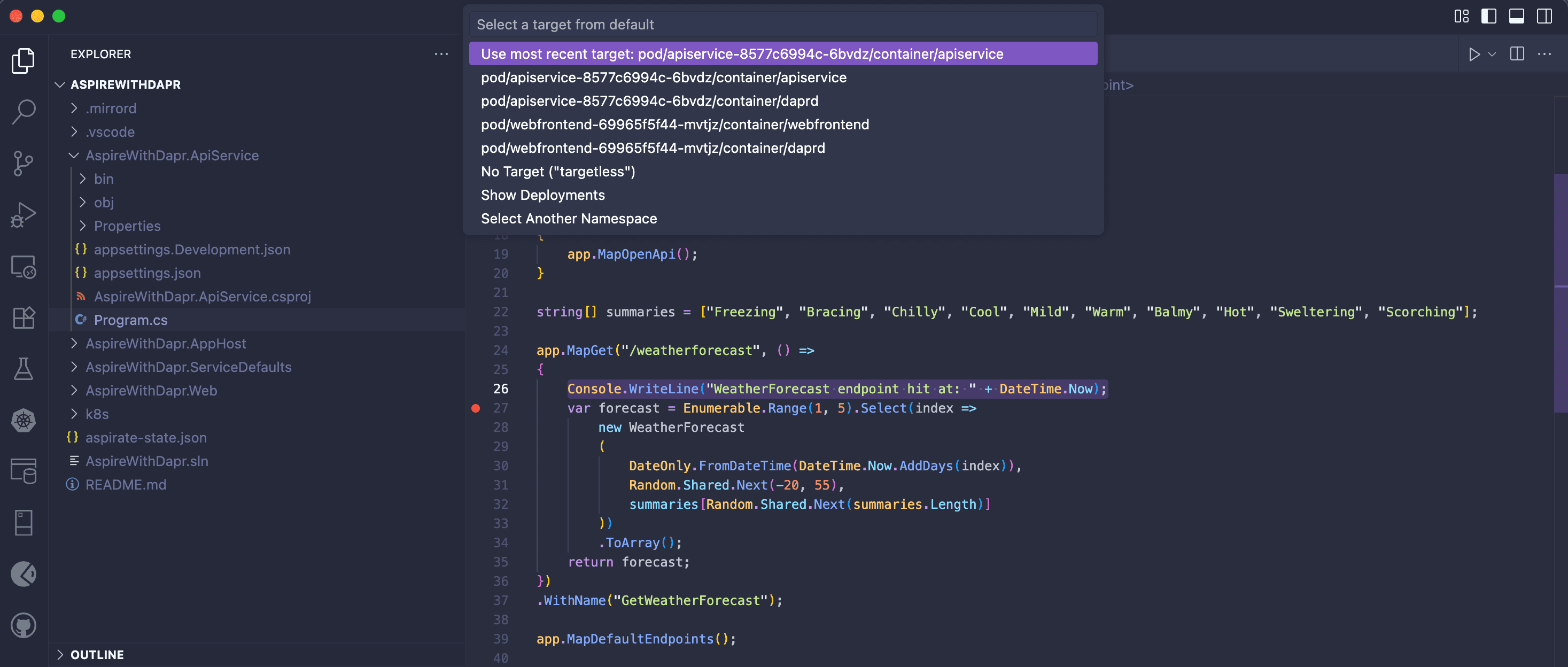
During the initial setup of the debugging session, Visual Studio will ask you to select a 'project' and a remote 'pod' (running on a Kubernetes cluster). Refer to the snapshots below for project and pod selection.
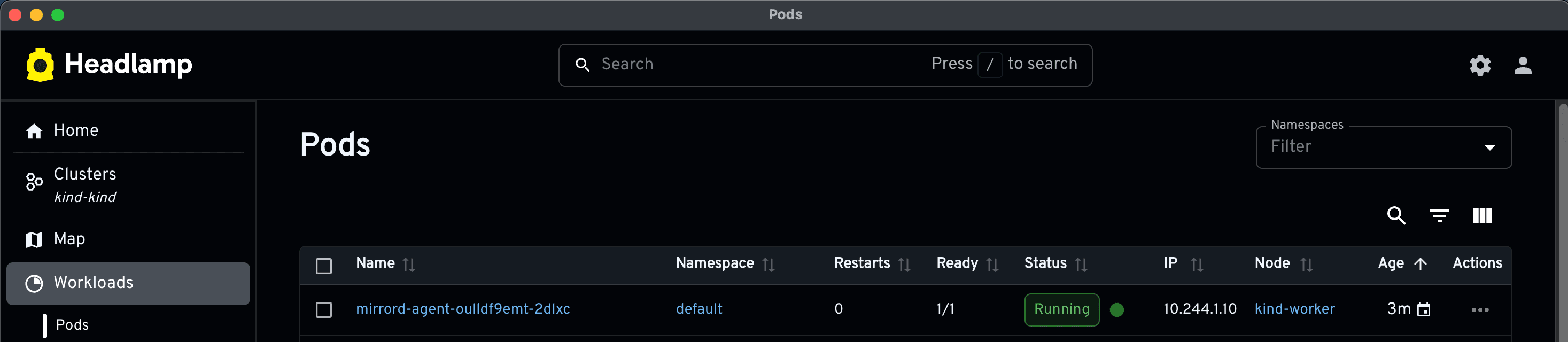
If you observe closely the Visual Studio Code status bar, you will find that the mirrord agent is getting prepared for the Kubernetes cluster. You can verify this by opening Headlamp GUI. Refer to the snapshots below.
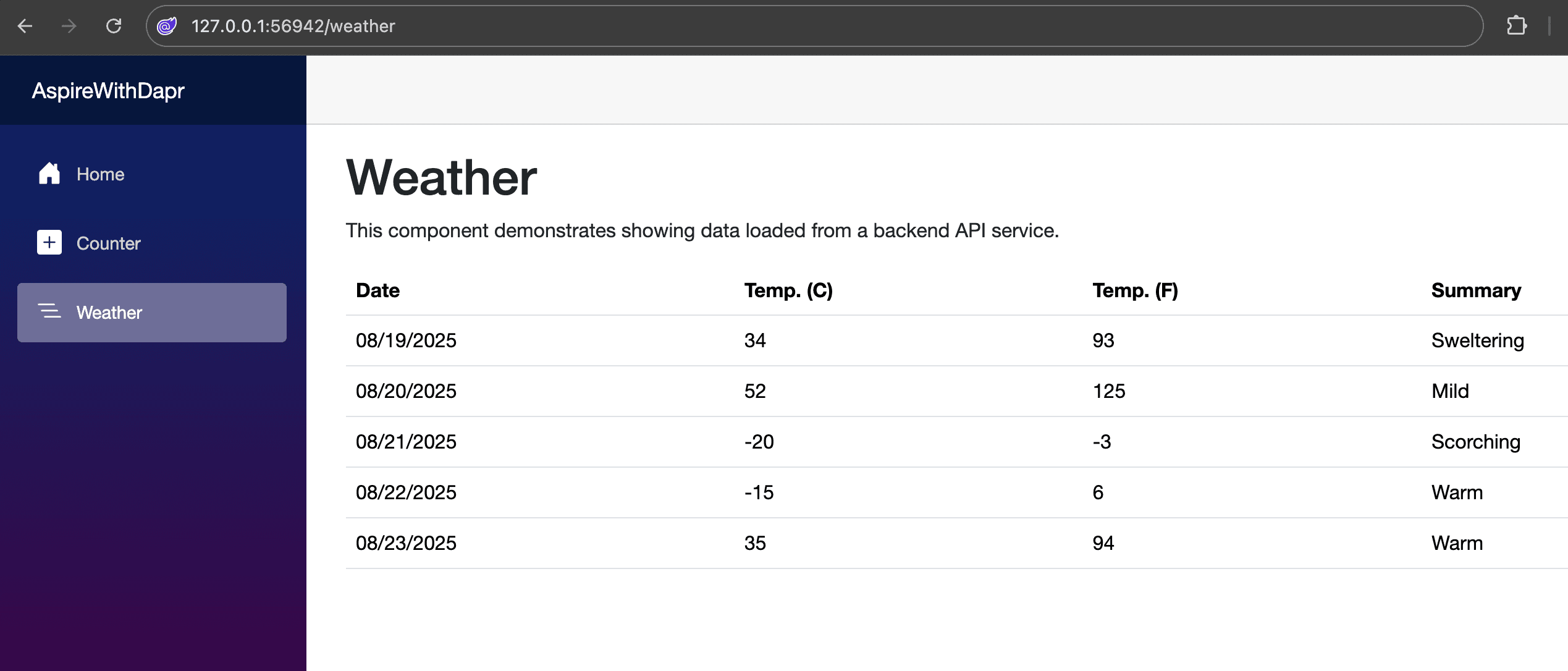
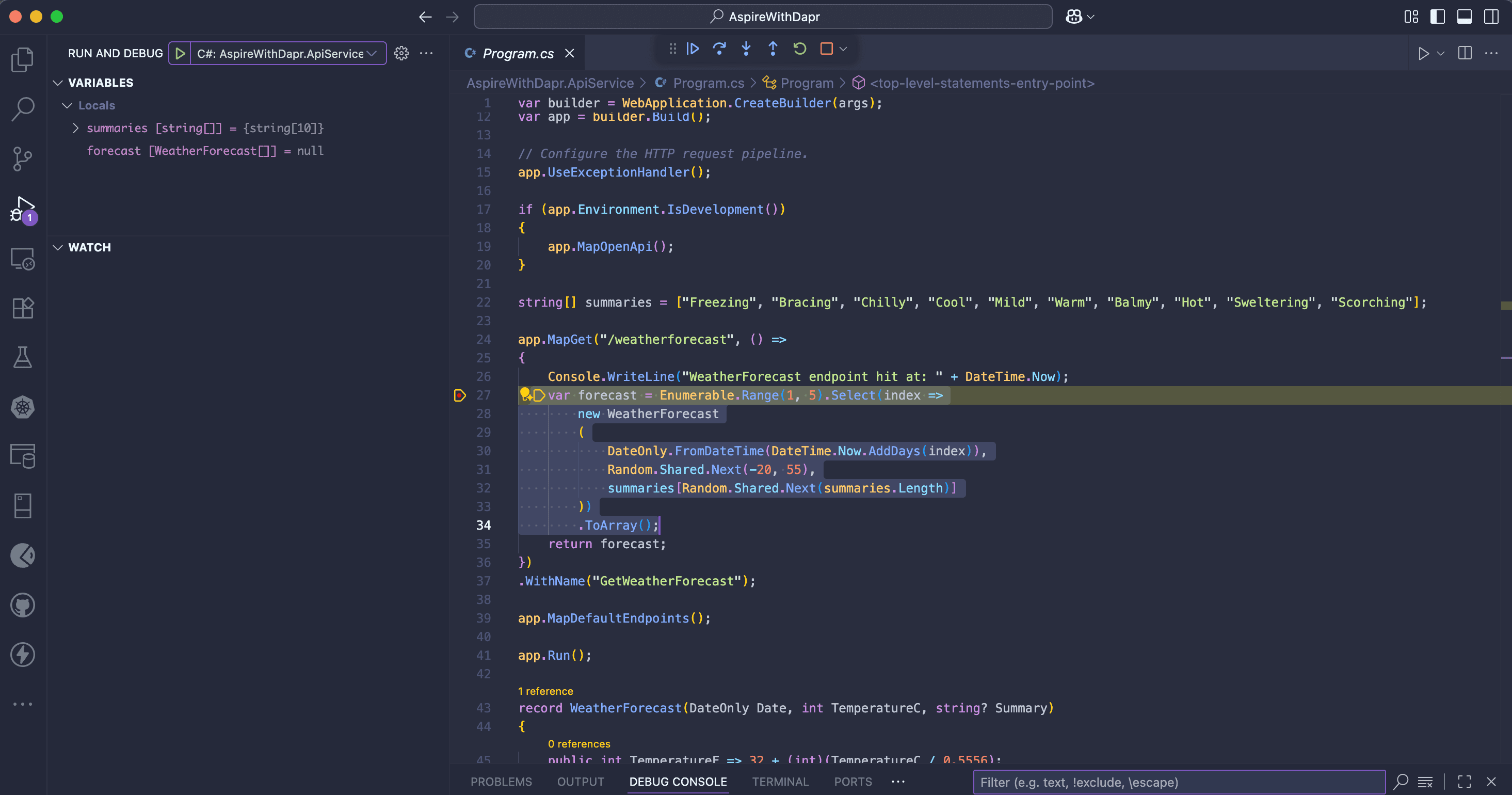
Once the mirrord agent is installed, your debug session will be active. To launch the DEMO app, go to http://127.0.0.1:56942/ and select the Weather menu. This will trigger the debug breakpoint in apiservice. This demonstrates the true strength of mirrord: developing locally within your Kubernetes environment.
Conclusion
mirrord shows great promise, working seamlessly with .NET Aspire and Daprized applications.